gnass.buzz← Home

WeekendProjects

tuner screenshot

tuner

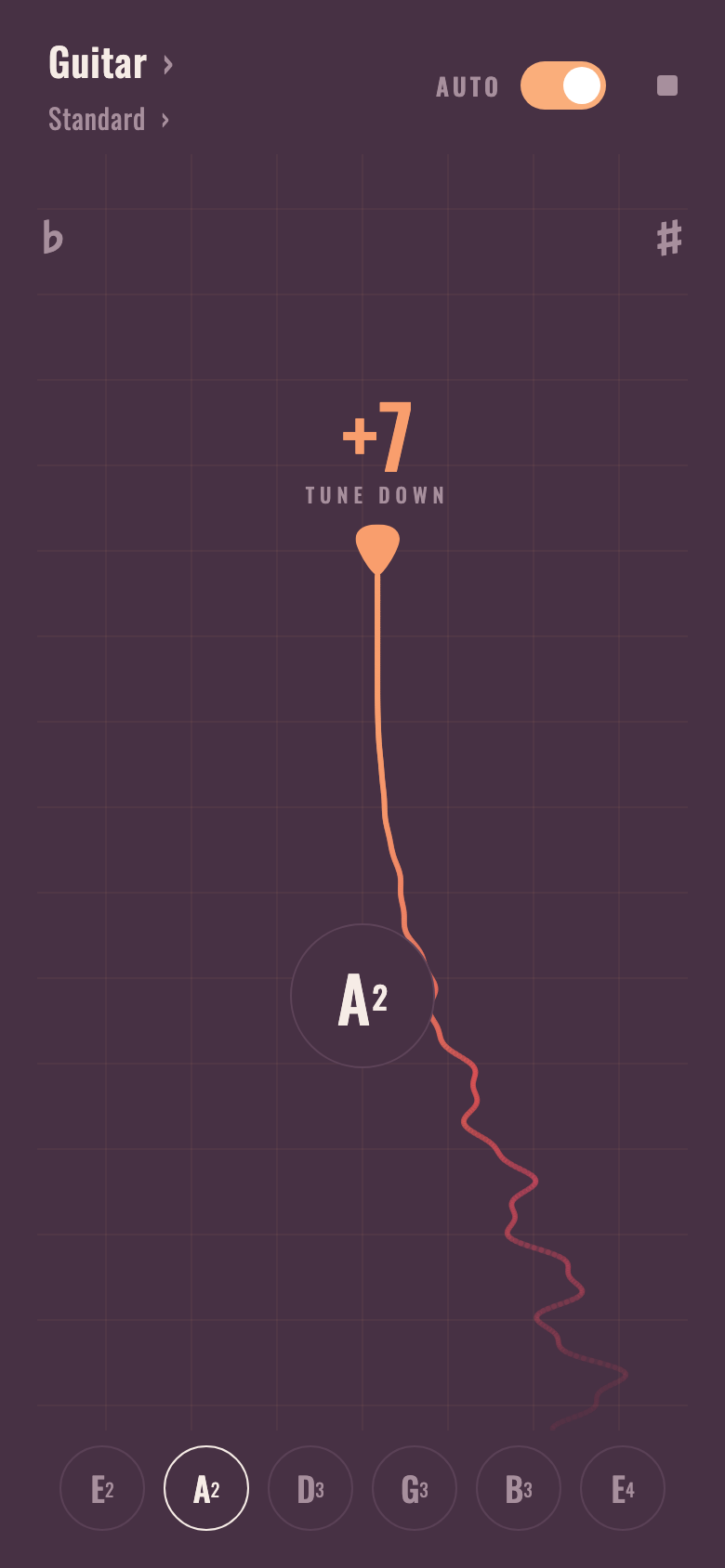
I was tired of instrument tuners buried in ads, nag screens, and subscriptions just to tune a guitar. So I built one that asks for nothing in return. Behind a deliberately plain full-screen needle sits a hybrid pitch-detection pipeline, and it all runs on-device, no app and no network.
share screenshot

share

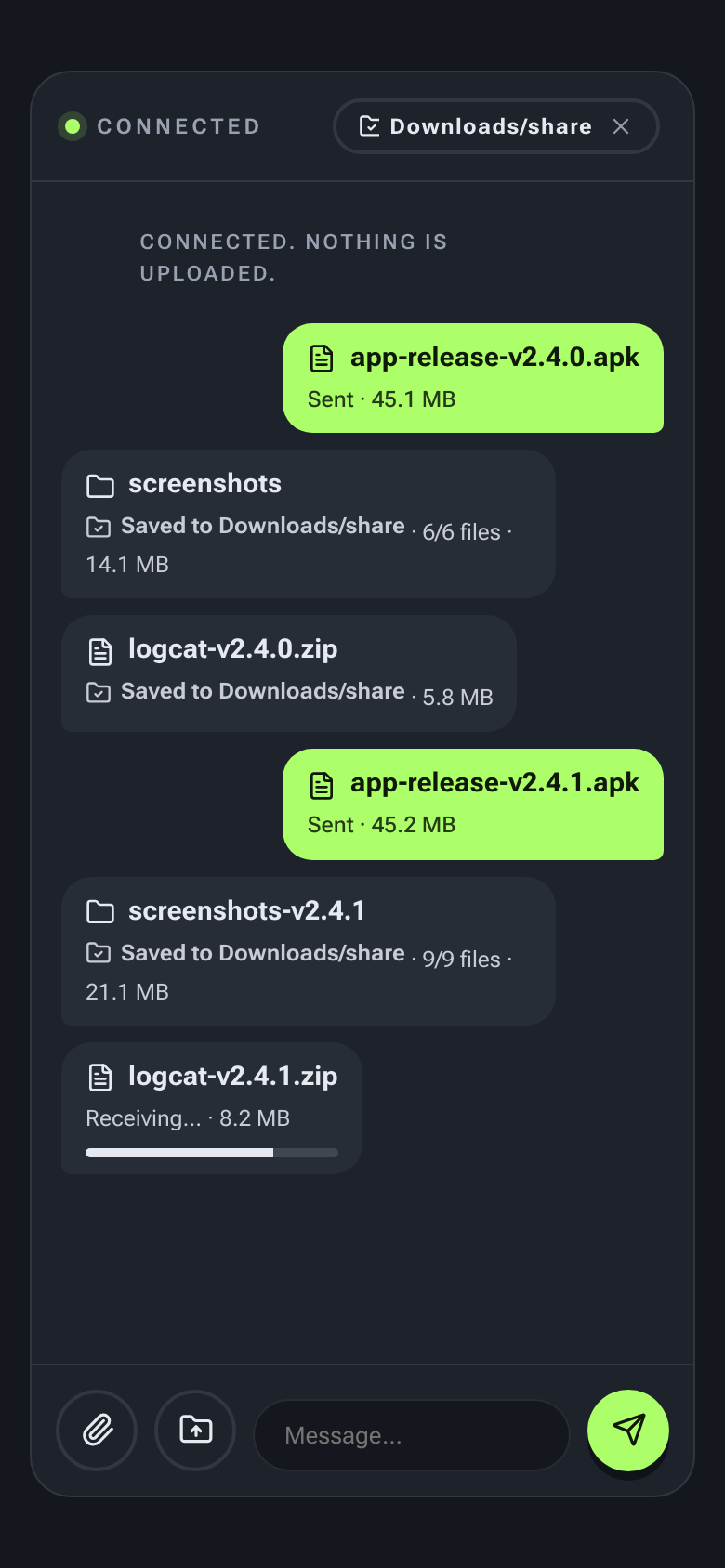
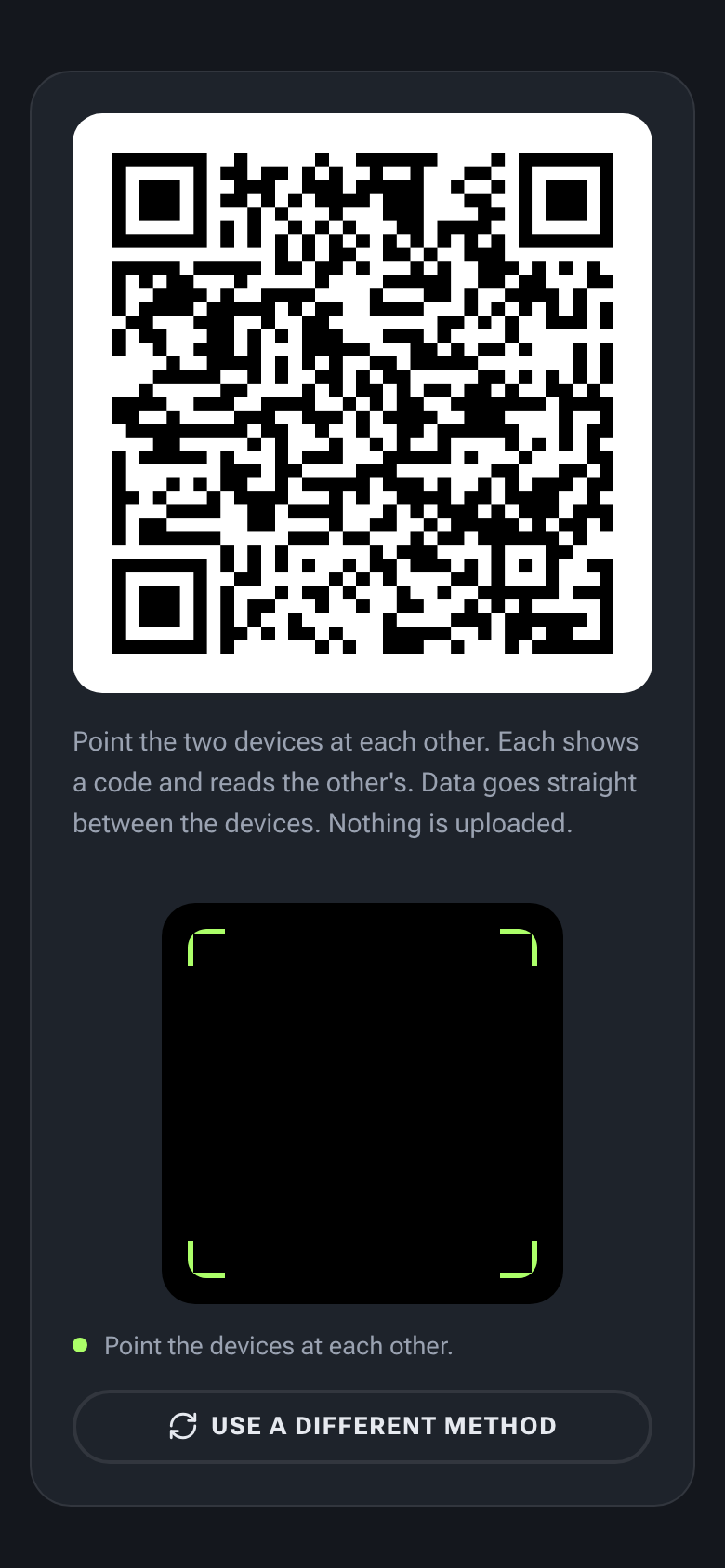
Transfer files directly between any two devices with a browser and a camera, regardless of the operating system. All data is sent peer-to-peer via WebRTC, encrypted end-to-end, and never touches a server. Even the connection handshake avoids one: the devices pair by showing each other QR codes, so the keys are exchanged by camera rather than by a middleman.

theremine screenshot

theremine

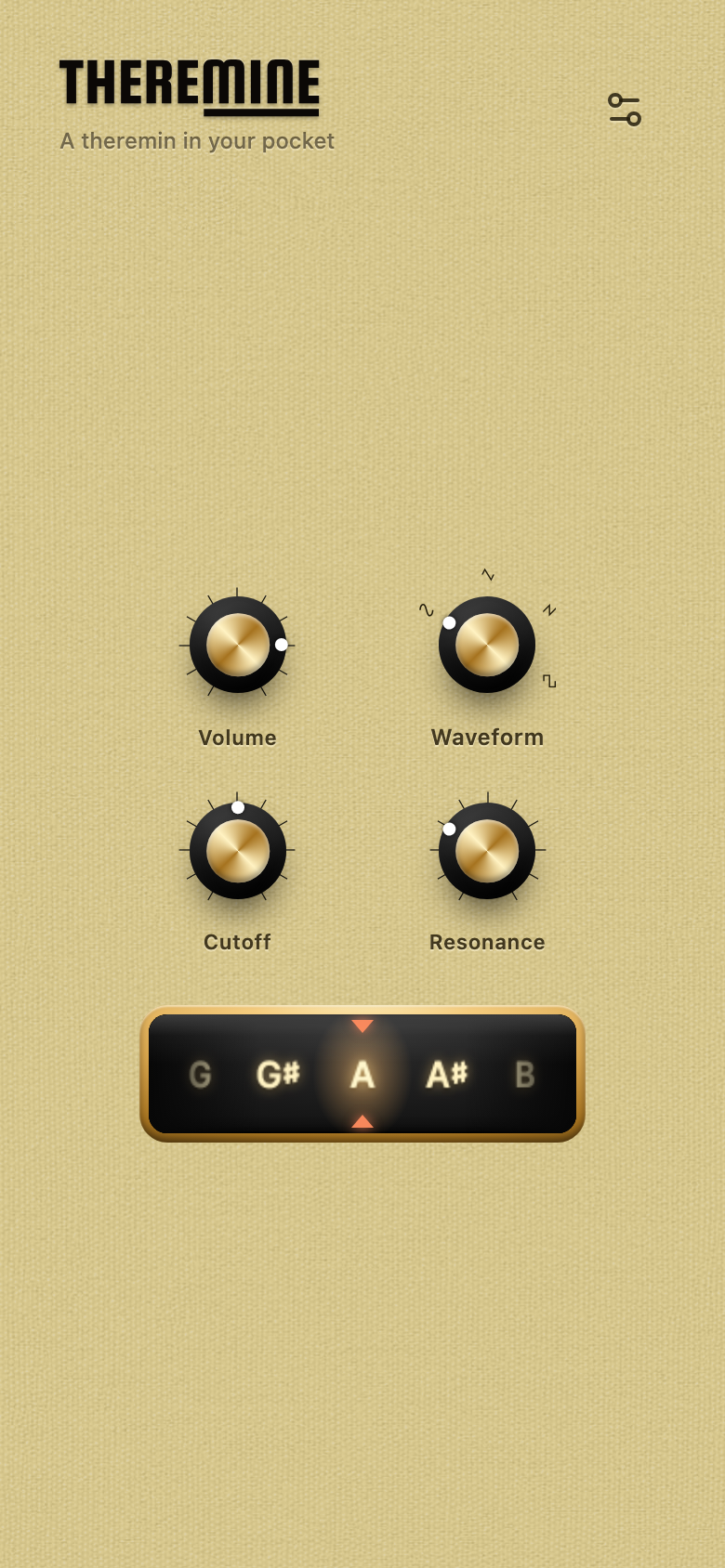
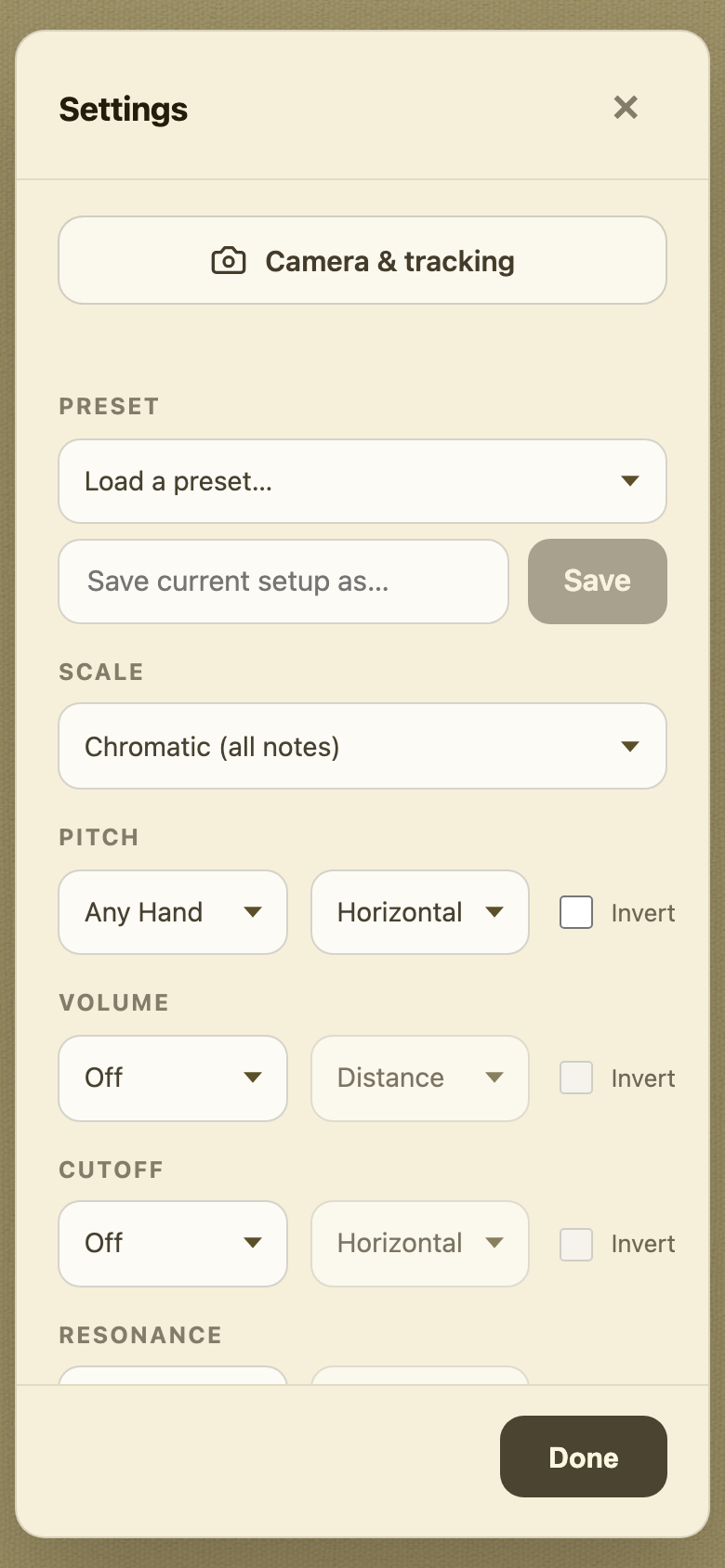
A theremin is that rare instrument you play without ever touching it. This one needs no instrument at all: lay your phone flat, hover a hand over the camera, and hand-tracking turns the space above it into pitch and tone, synthesized right in the browser and never leaving your device.

truffle screenshot

truffle

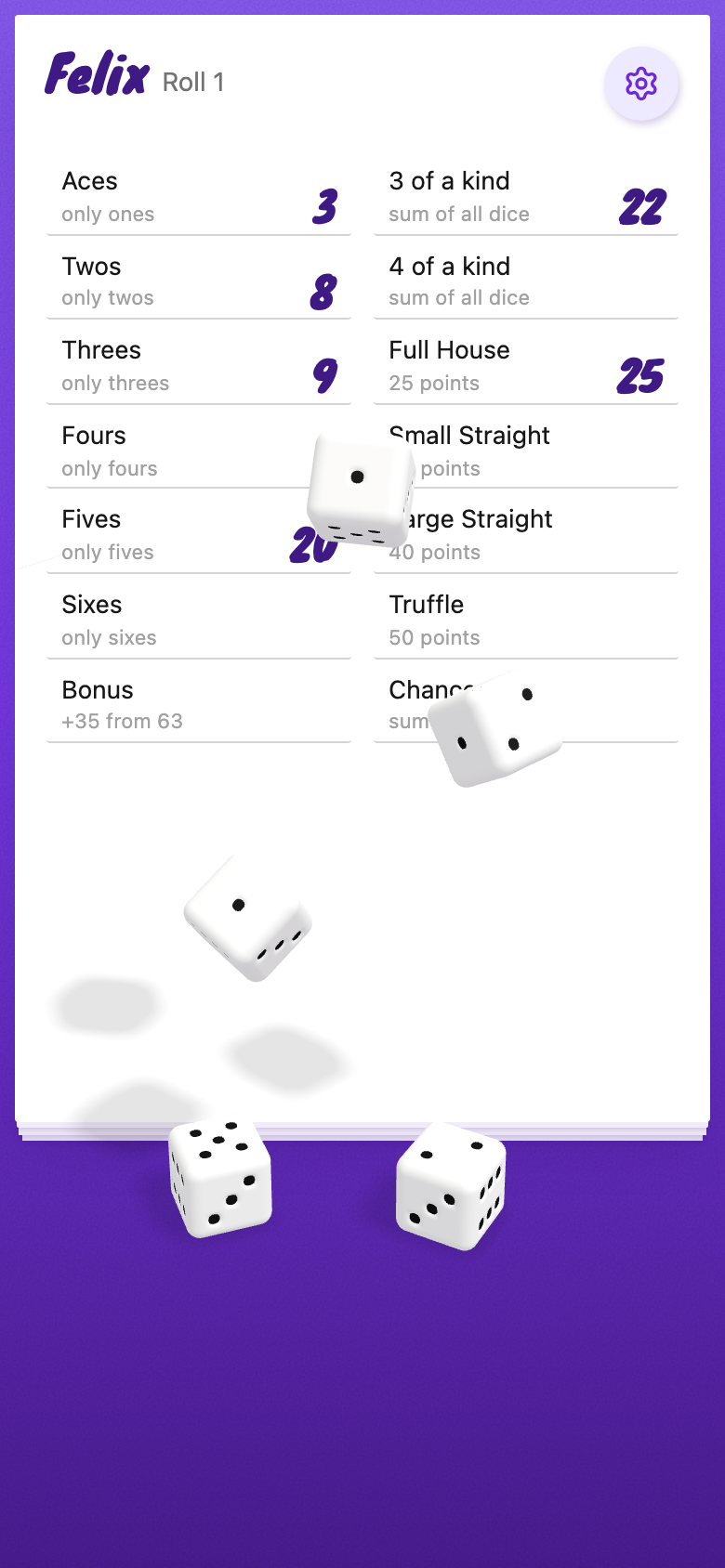
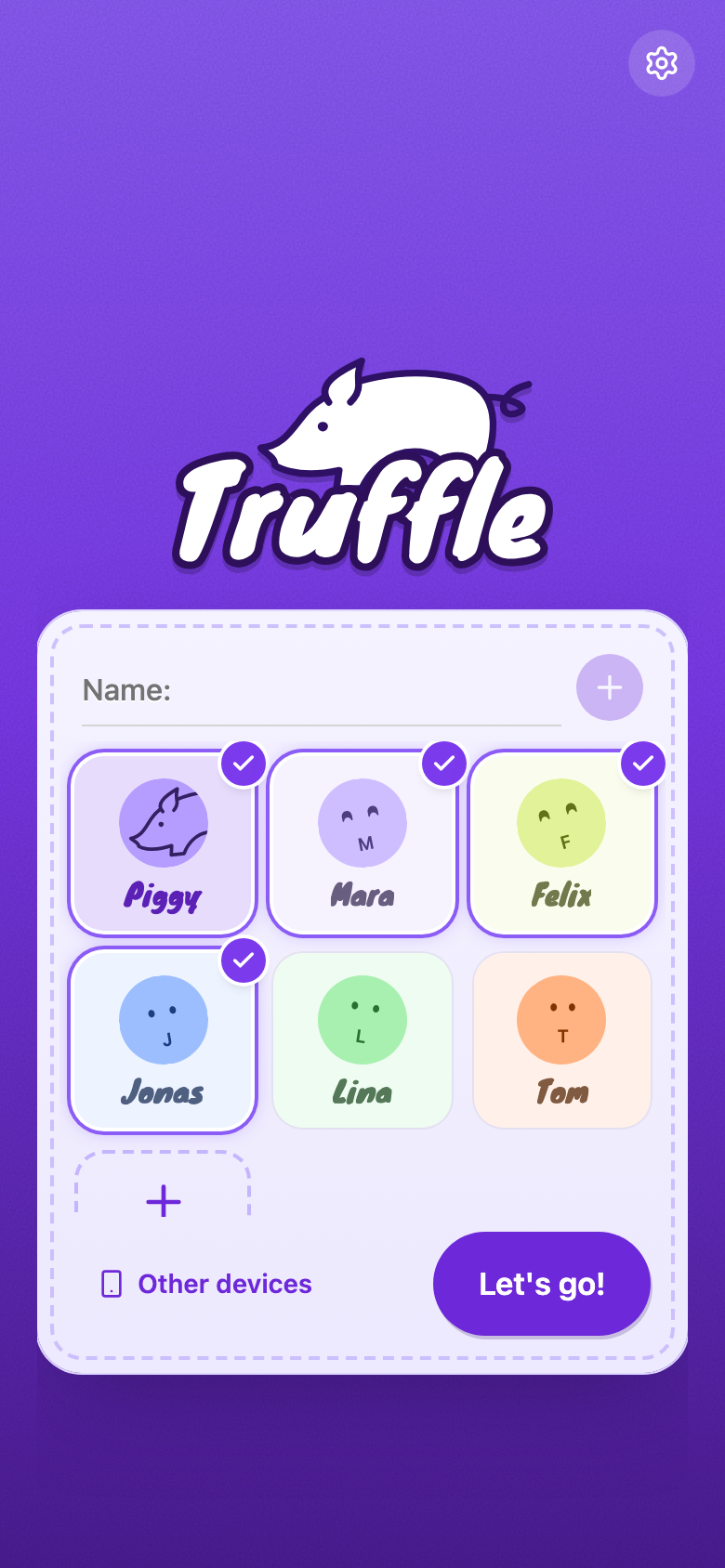
My kids and I play a lot of dice, and we kept arguing over whether a risky roll was really the smart move. So I fell down a rabbit hole of academic papers on optimal play and ported a strategy engine to TypeScript. It now lives behind 3D physics dice with synthesized roll sounds, telling you the best move whenever you’re stuck.

fonts screenshot

fonts

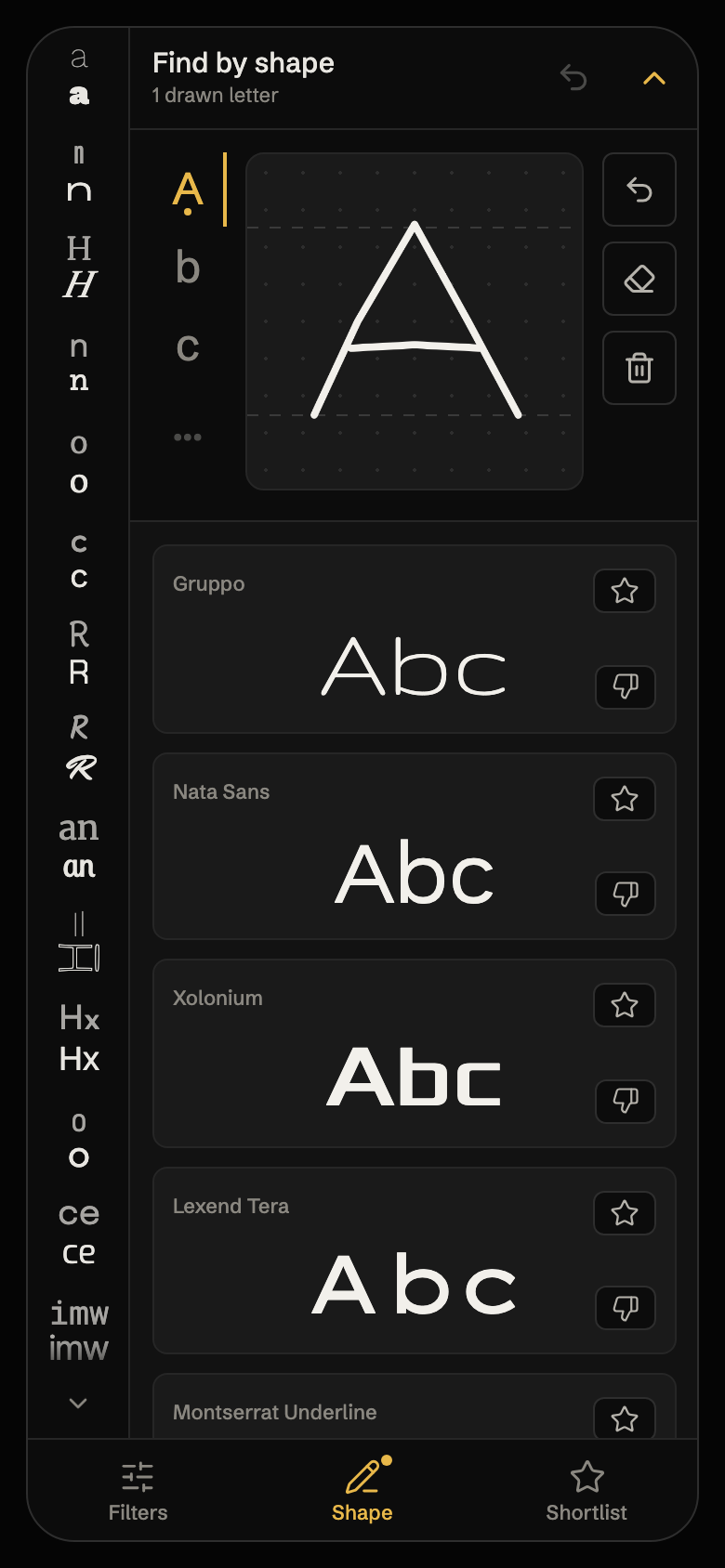
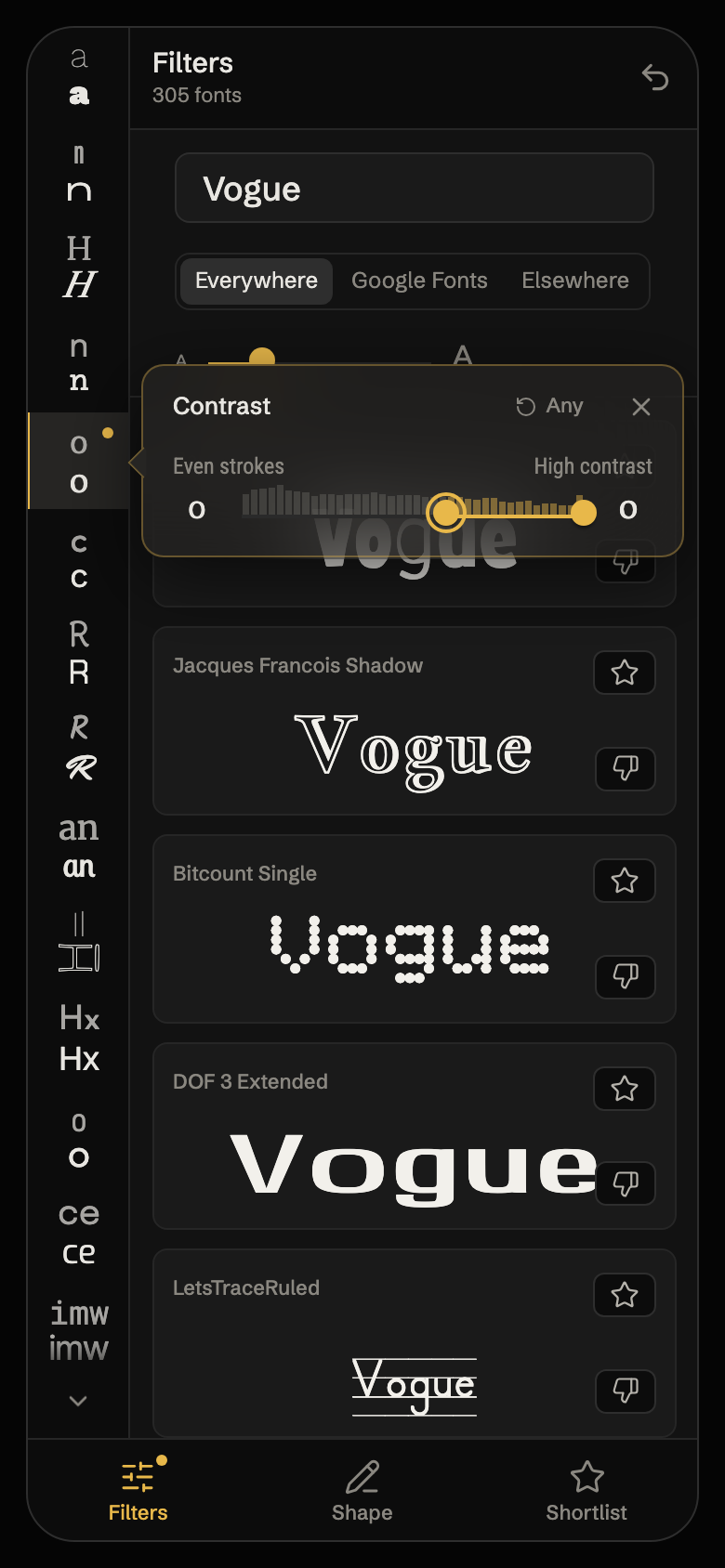
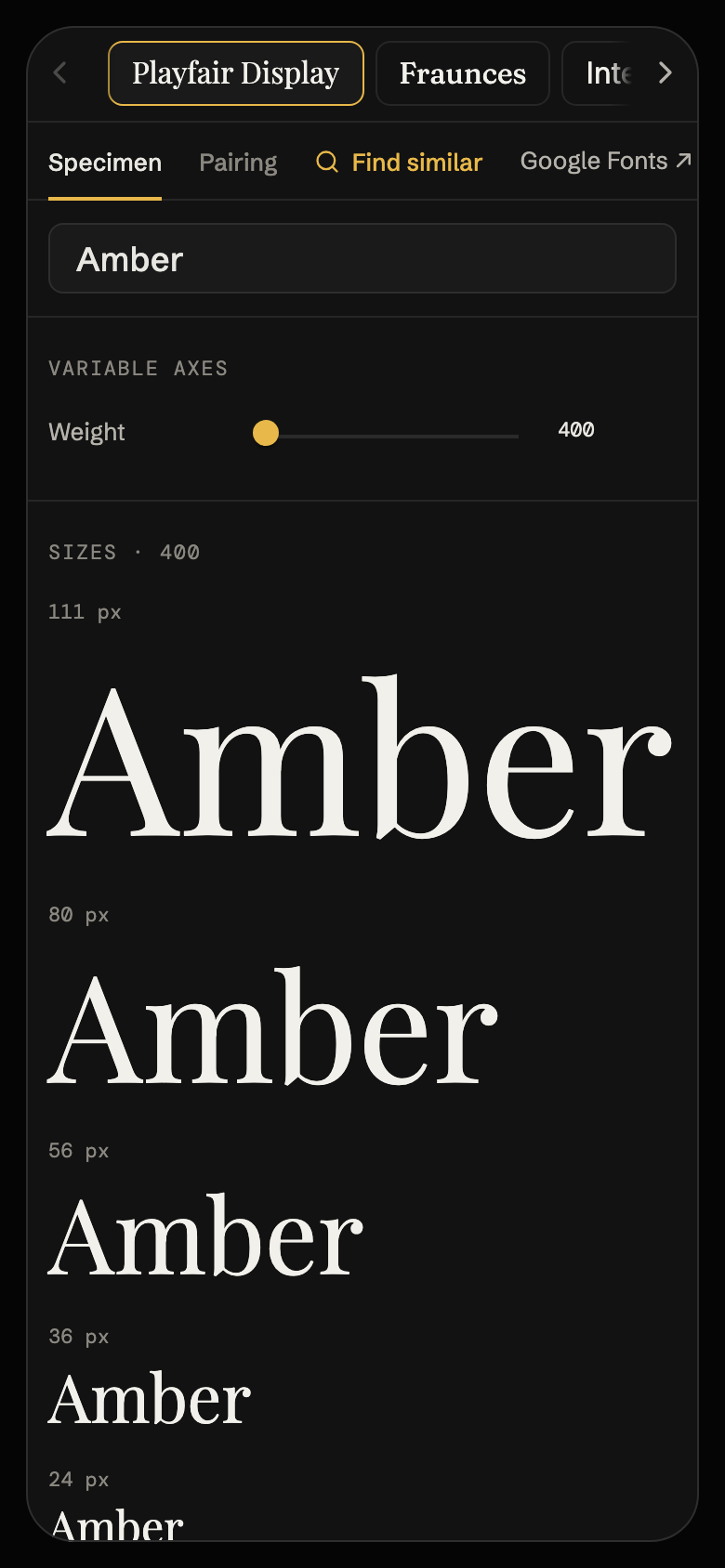
Google Fonts has about 1,800 families, and there are hundreds more open-source fonts on the sites of independent foundries and type collectives. fonts puts more than 2,600 of them in one place, and you search them by how they look. I measured every font for weight, width, contrast, serifs and more, and turned the values into sliders. You can also draw a letter, and an image model finds the fonts whose letters have a similar shape. Star the ones you like and try them as a heading and body text pair.

colors screenshot

colors

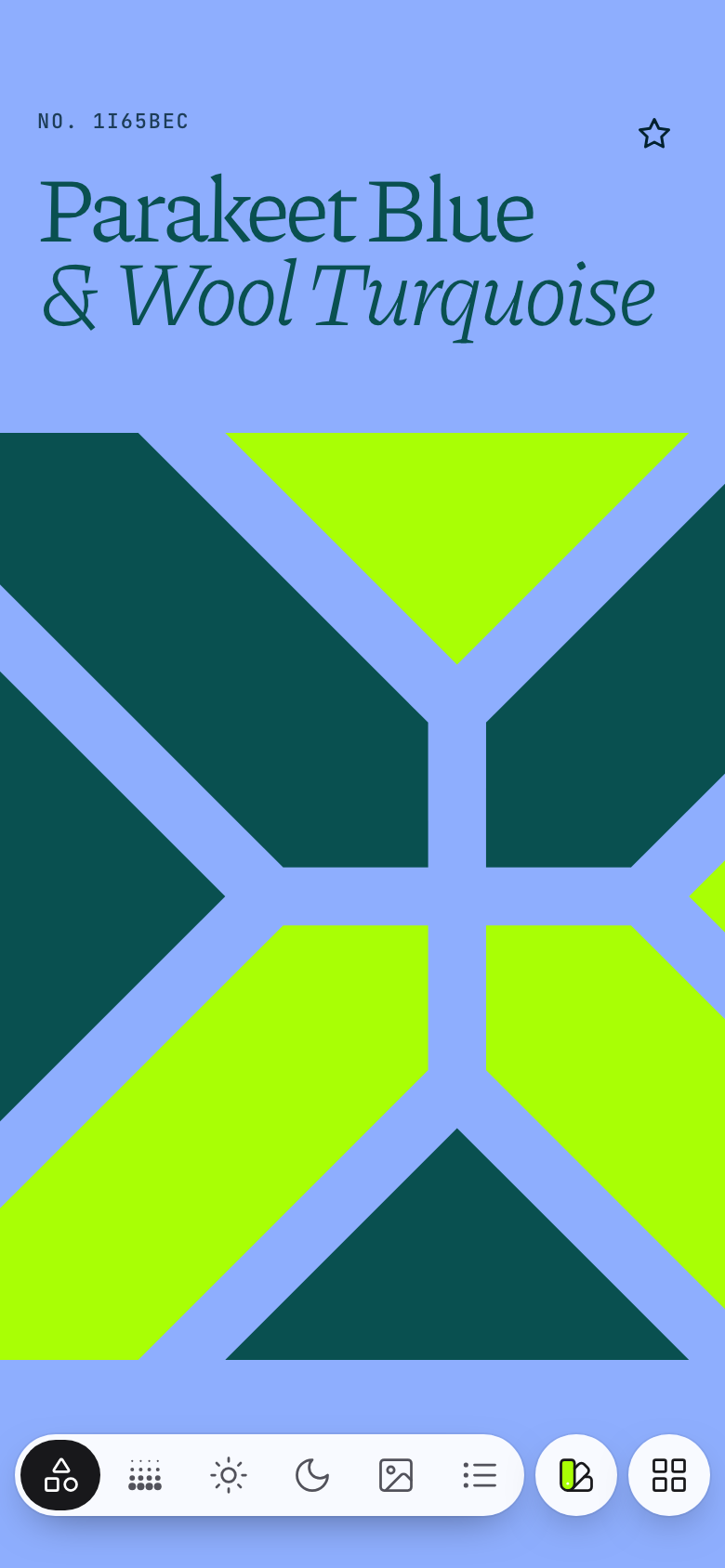
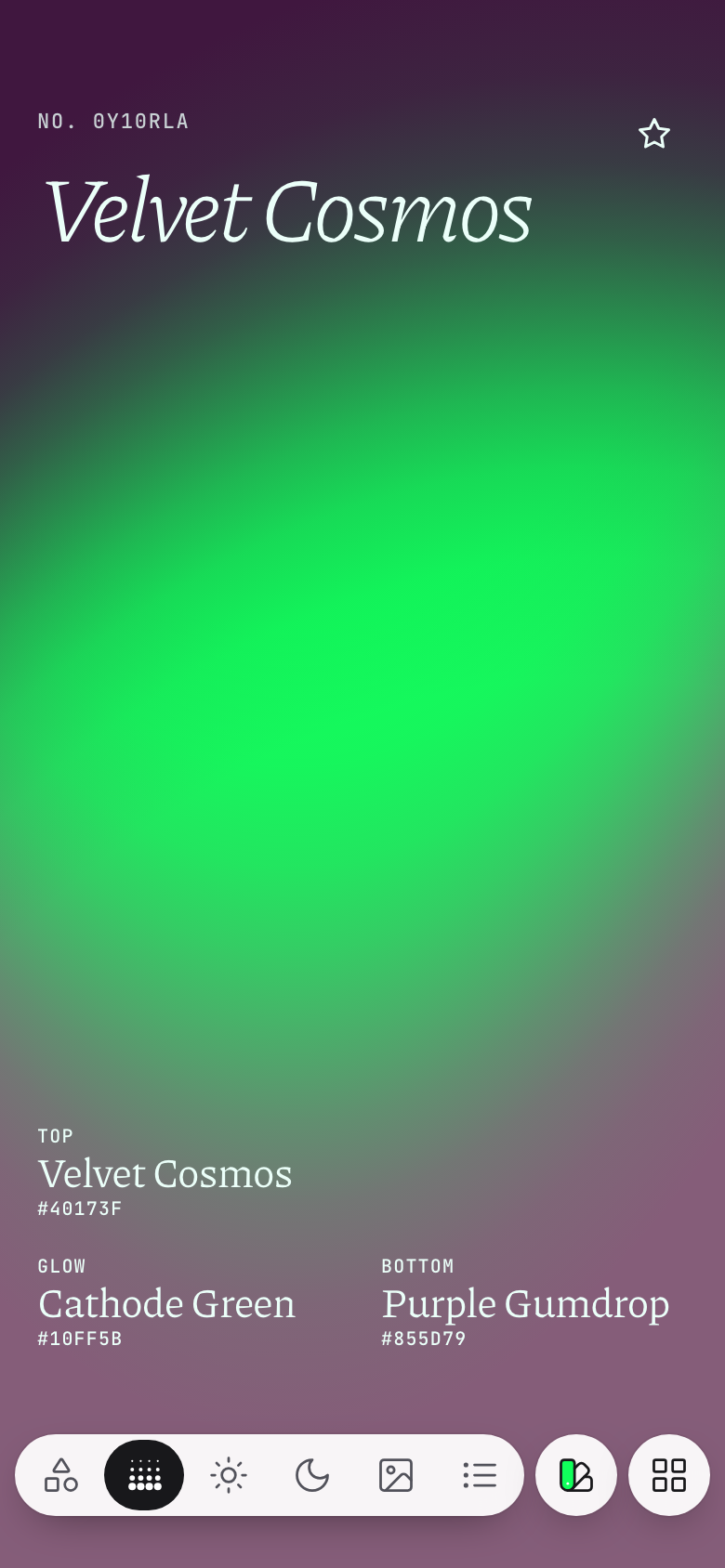
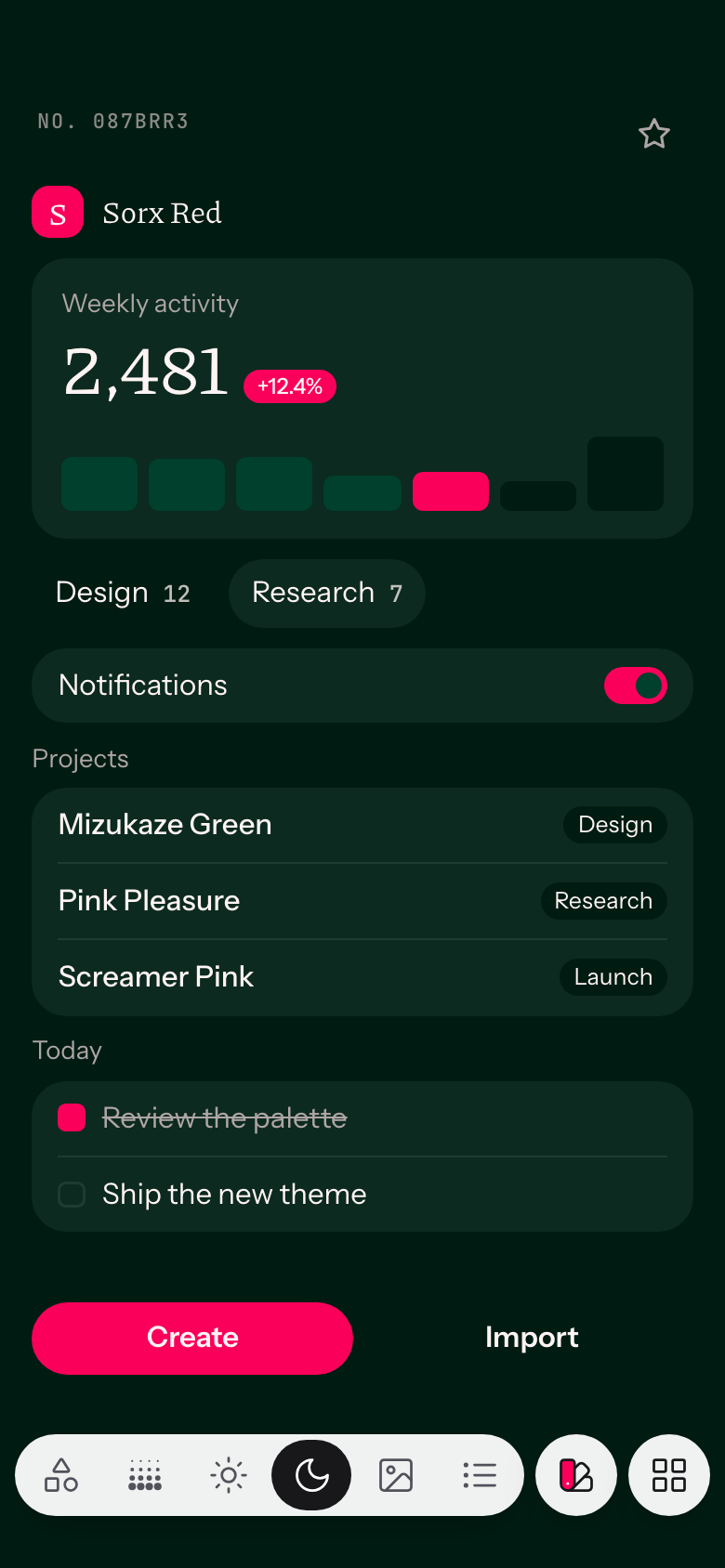
Sooner or later, each small tool I build needs a look of its own. For the type I built fonts, but finding good colors always took me too long. Over the years I had saved screenshots of palettes I liked, so I analyzed them for a pattern. It was not the hues, they were spread almost at random. What held each palette together was how its lightness and saturation relate. colors turns that relation into a model and makes an endless feed of palettes to swipe through. It shows each palette on shapes, as a gradient, as a light or dark UI, or on your own logo, and exports it as CSS variables.

gifsky screenshot

gifsky

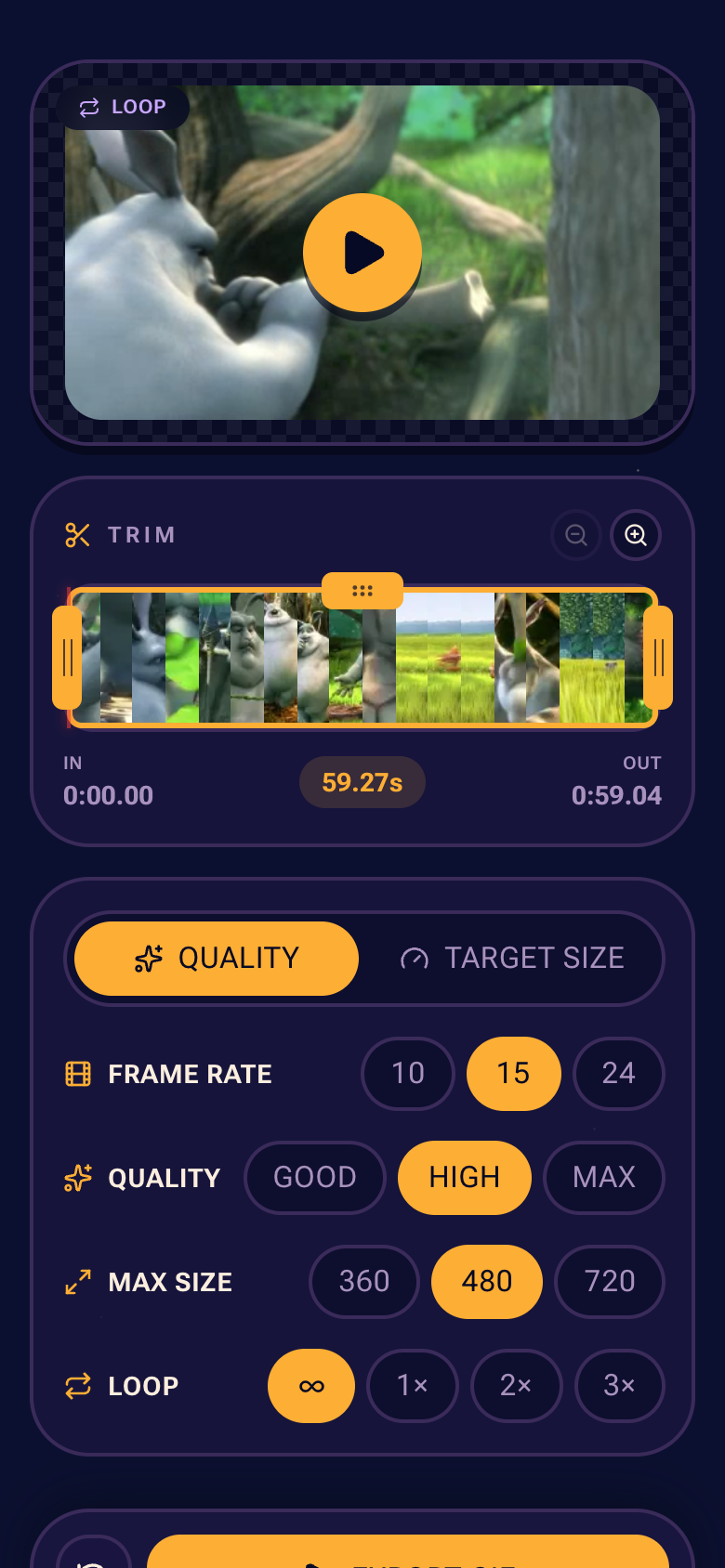
I kept needing quick GIFs from short clips, but every converter felt like a detour through uploads, accounts, and watermarks. gifsky keeps that workflow local: drop in a video, trim the moment on a scrubber, and let a WebAssembly build of gifski encode the selected frames in your browser.

begone screenshot

begone

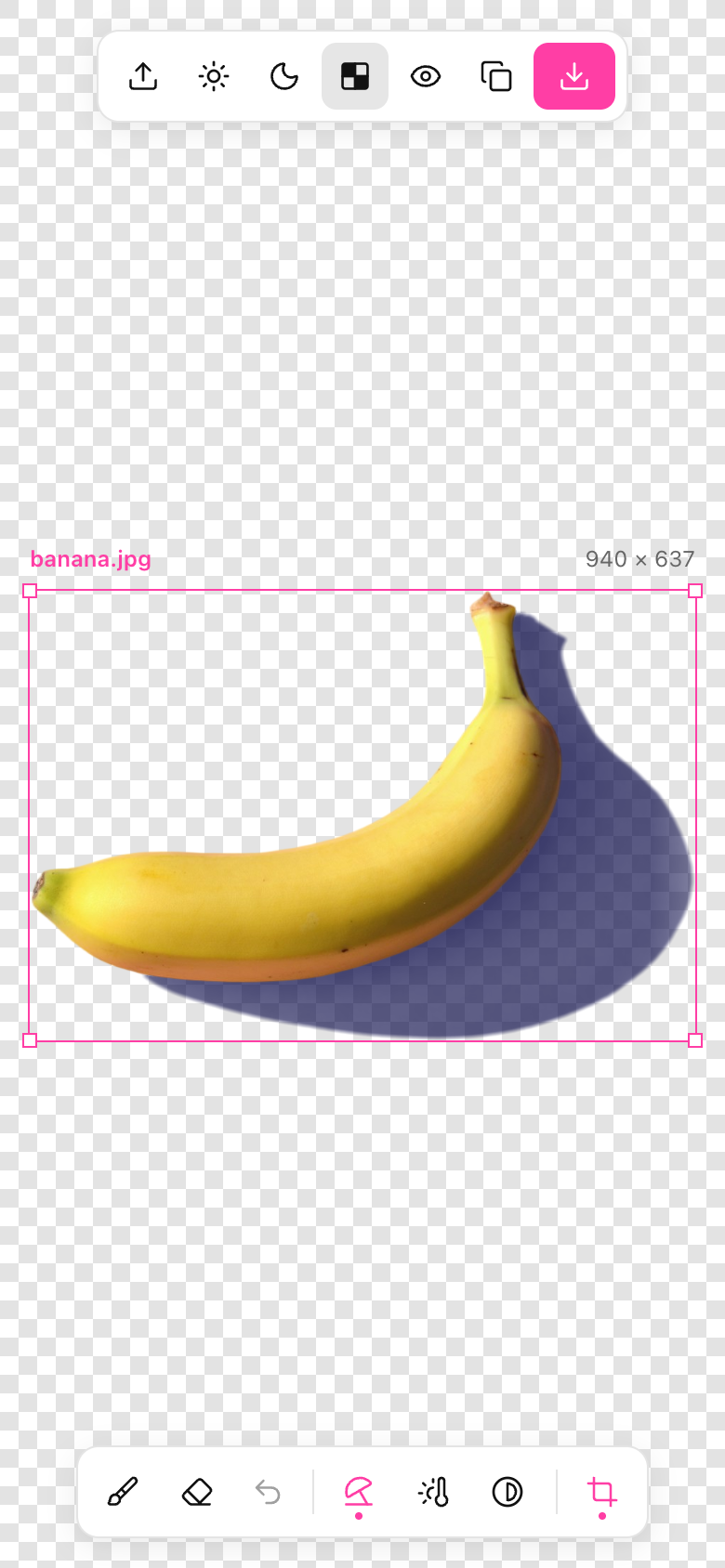
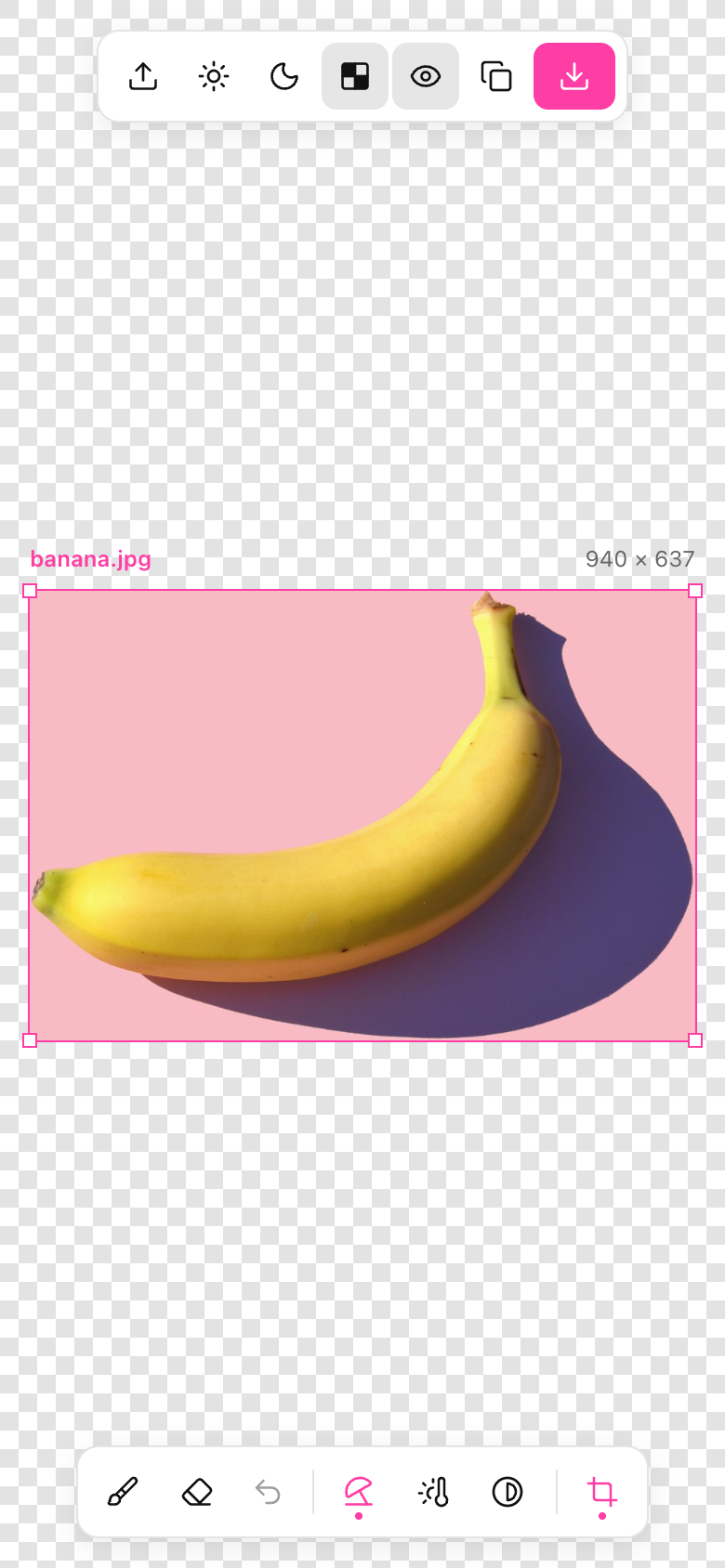
Every time I needed a photo without its background, the tools wanted my picture on their servers, an account, or money for the full resolution. Begone runs a segmentation model right in the browser, on the GPU where it can, then cleans up soft edges and keeps the real shadow if you want it. It works offline, and your images never leave your device.

drift screenshot

drift

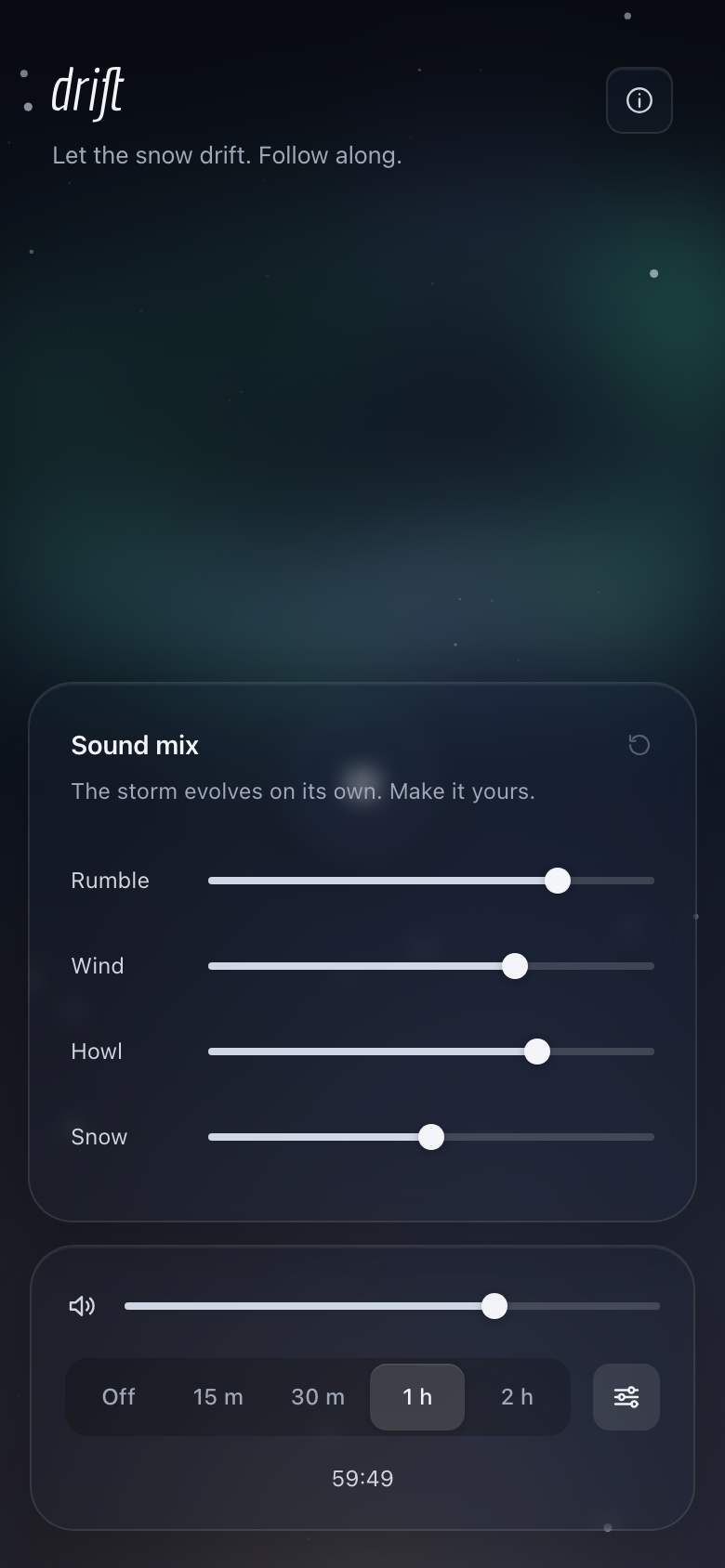
A friend told me the only thing that reliably puts them to sleep is a ten-hour YouTube recording of an arctic blizzard. I ran the recording through an analysis script to measured its spectrum and the rhythm of its gusts. I then rebuilt the storm as a synthesizer that stays close to the original: layered noise shaped into rumble, wind, howl and snow, with a sleep timer and a mixer. It plays offline, with no stream and no ads. Maybe it helps others drift off too.

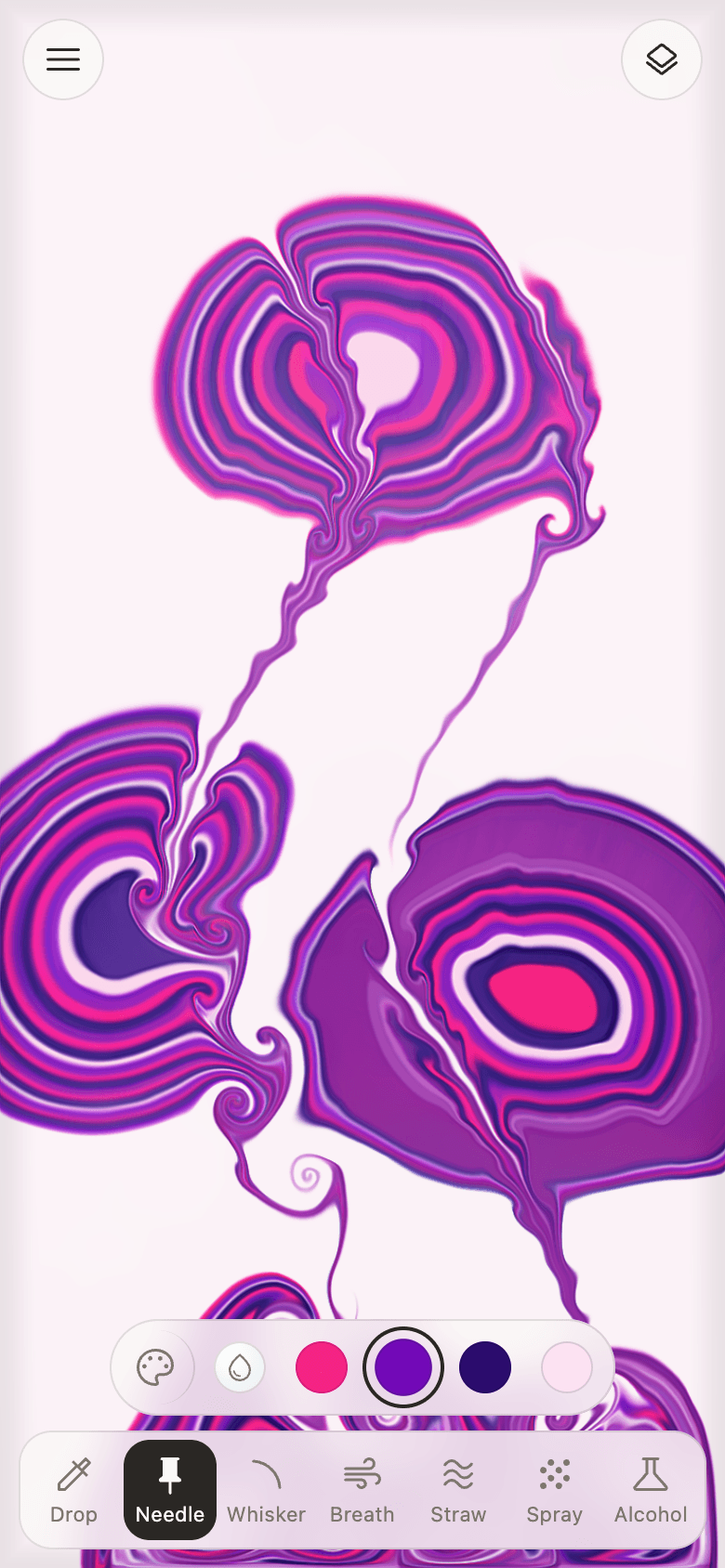
suminagashi screenshot

suminagashi

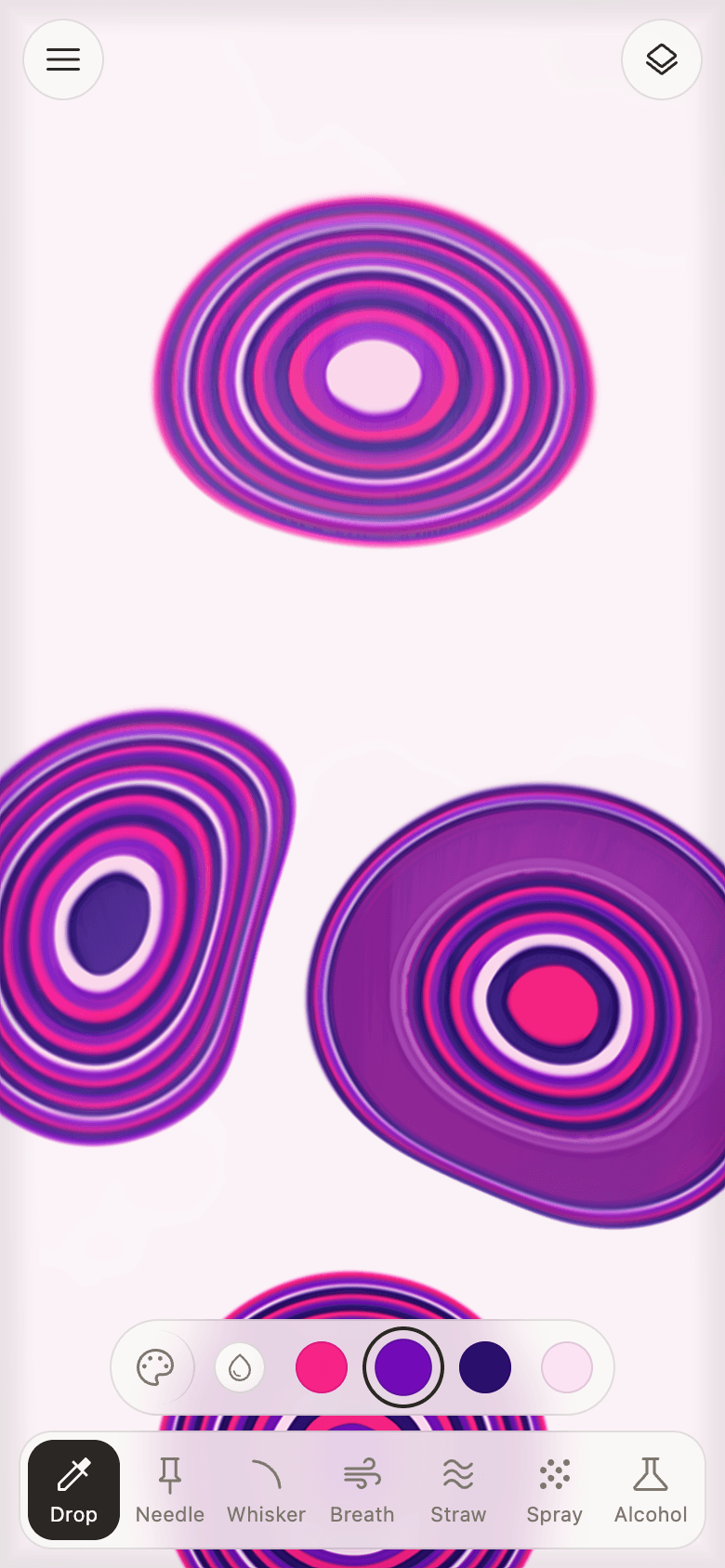
Suminagashi, “floating ink”, is the oldest way of marbling paper: drops of ink and of soapy water spread on water in rings, a breath or a needle moves them into lines, and a sheet of paper laid on the water takes up the picture. suminagashi lets you do this on your phone, with a needle, a whisker, a straw, a toothbrush and a drop of alcohol. A fluid simulation runs on the GPU with WebGL 2. Lay paper on the water to keep a print, or watch the demo.

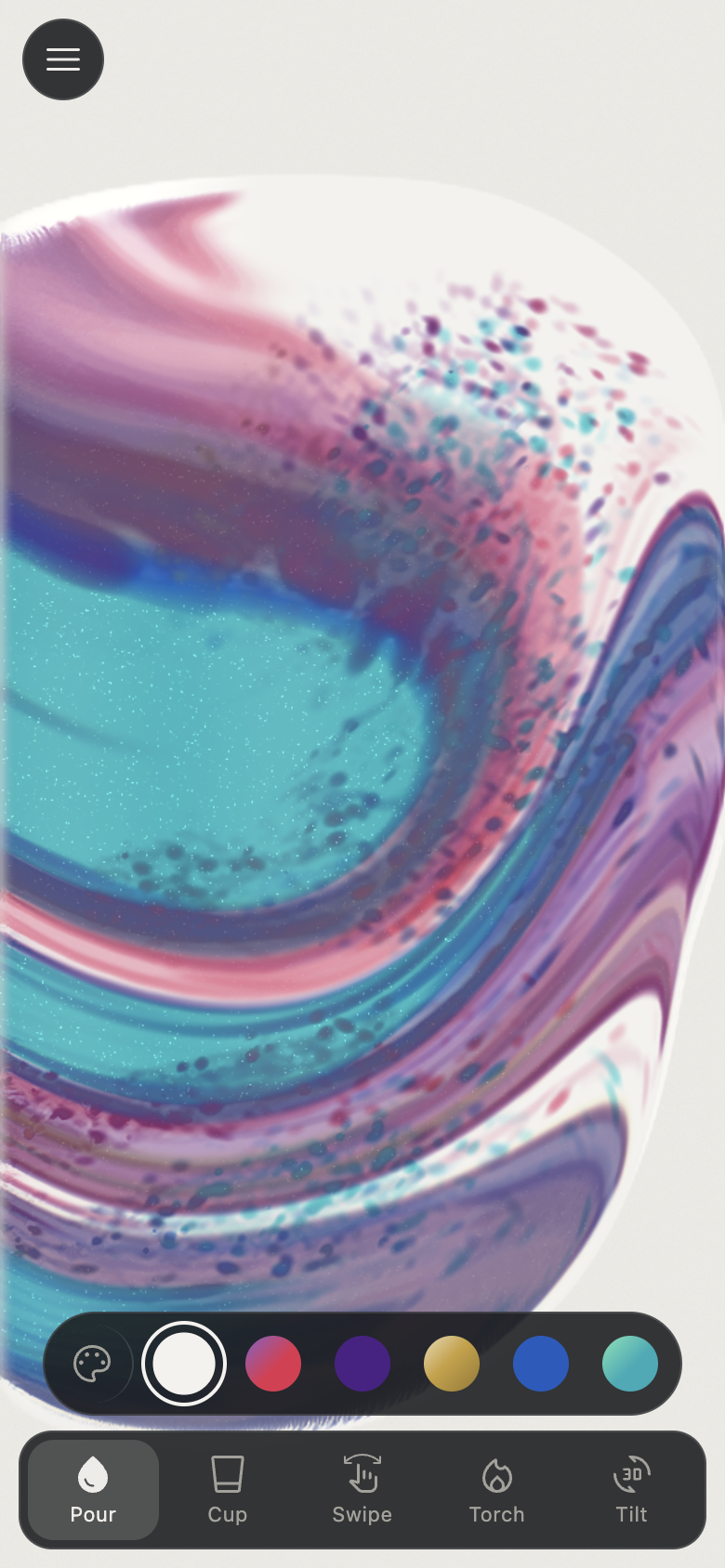
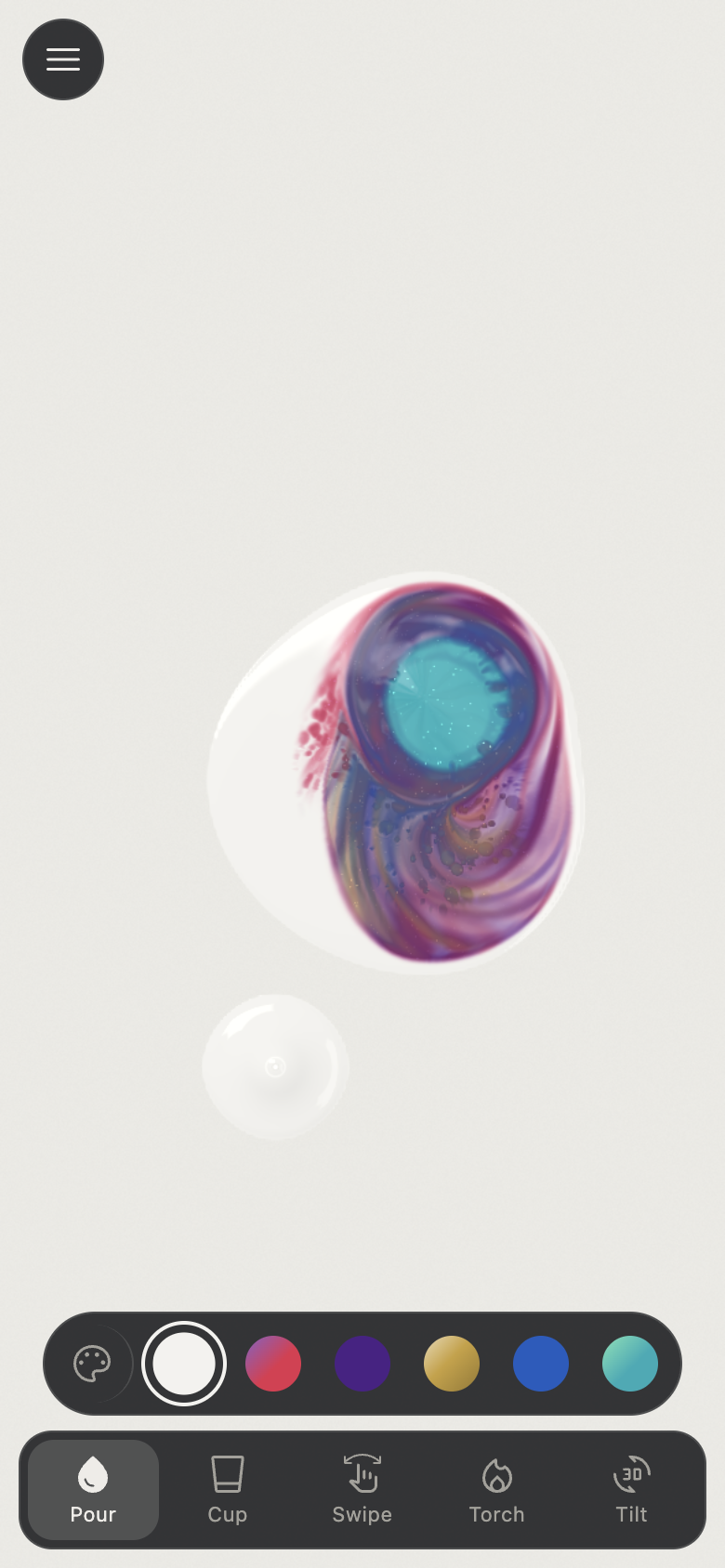
pour screenshot

pour

Acrylic pouring is a fluid art technique: you fill a cup with layers of paint, set it down on a canvas and tilt the canvas until the paint flows into cells and swirls. pour does this on your phone. Fill the cup, set it down and tilt the phone to let the paint spread, or push it with a finger and make cells pop up with a torch. A thin-film simulation runs on the GPU with WebGL 2, so no two pours look the same.

Mac Apps